← Back to app 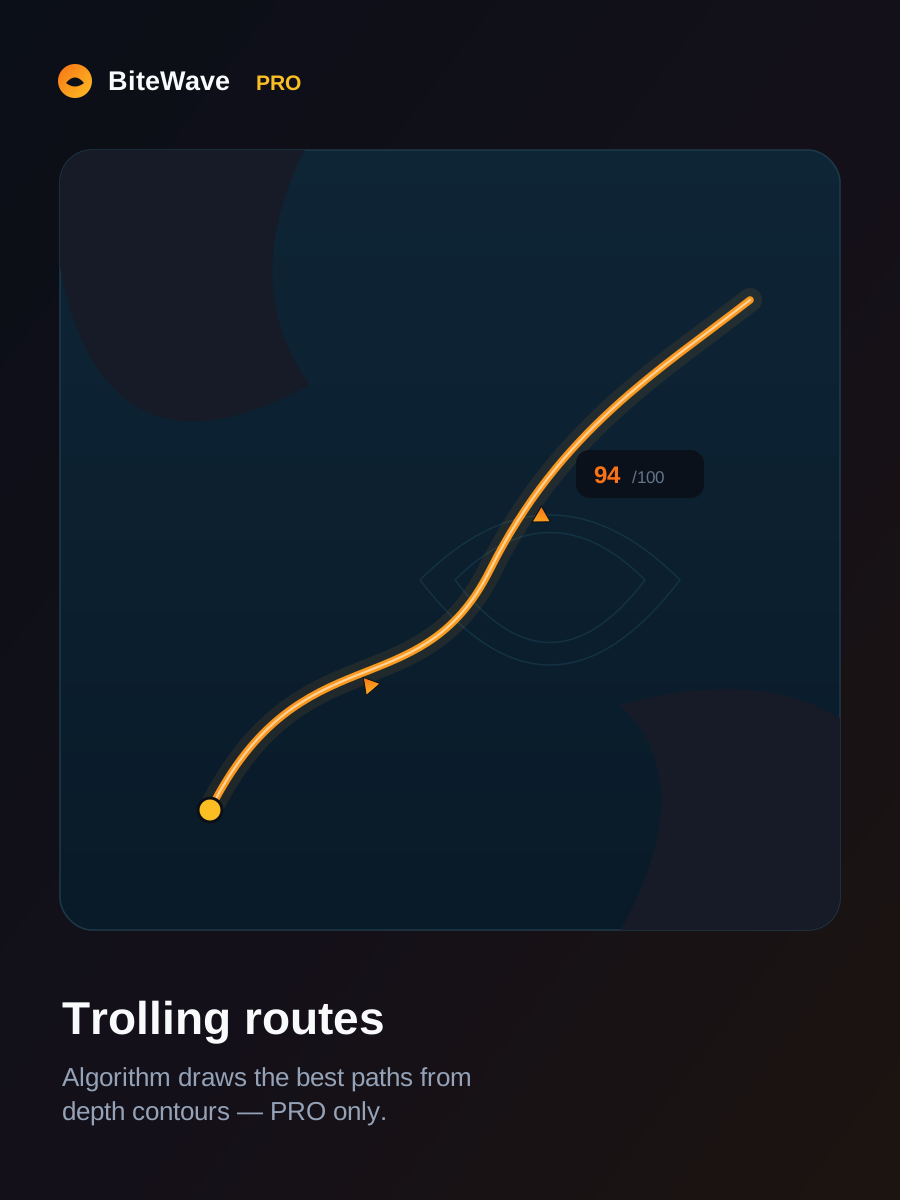
BiteWave PRO
Your edge on the water.
€39.99 / year
or €5.99/mo · annual saves ~44%
Cancel anytime
Get PROSubscription renews automatically until cancelled. EU consumers have a 14-day right of withdrawal. Terms · Privacy
See what you get
Everything in PRO
- Unlimited map scans (free tier gets 3 in total)
- Full top-3 lures + multi-species spread
- Jig and shore-casting sections
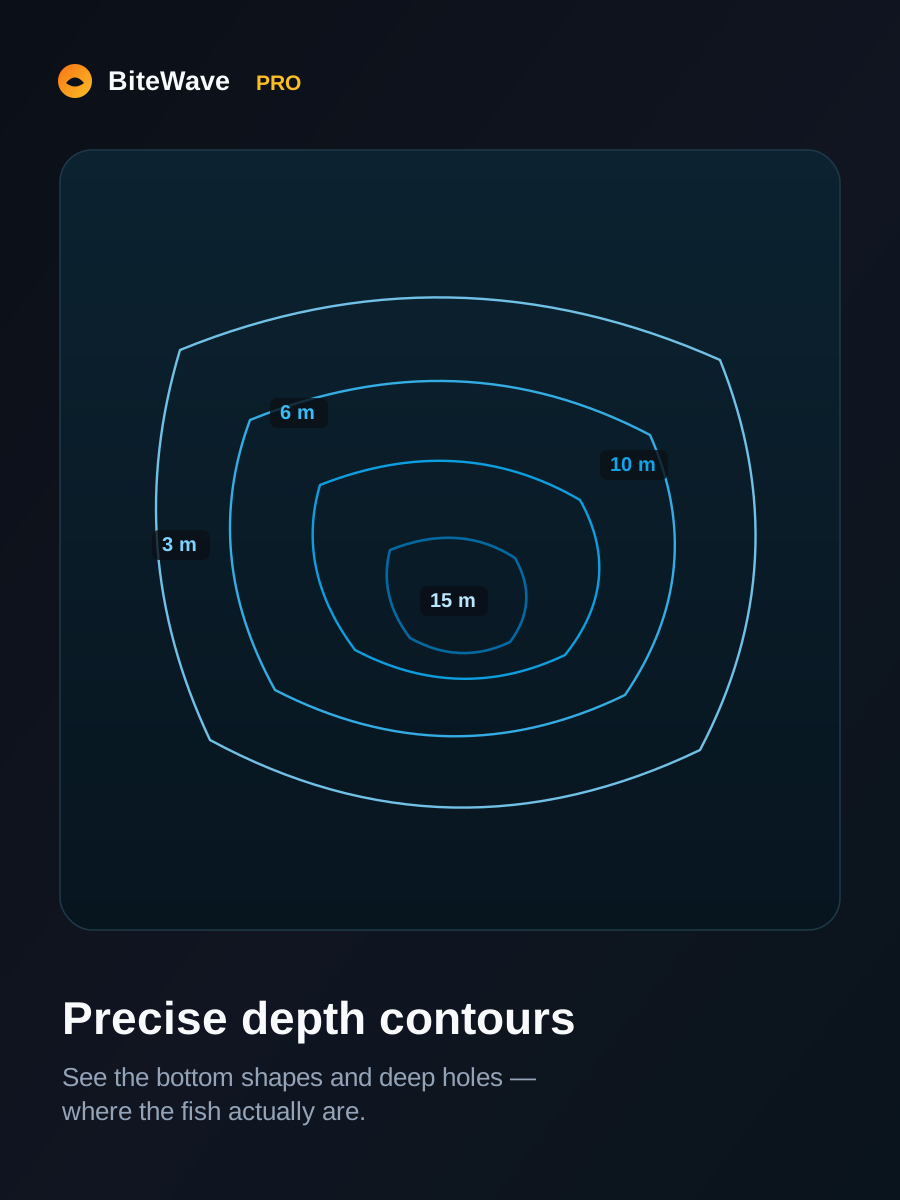
- Trolling routes from depth contours
- FishCoach 100 messages per day
- Tandem-rig recommendations
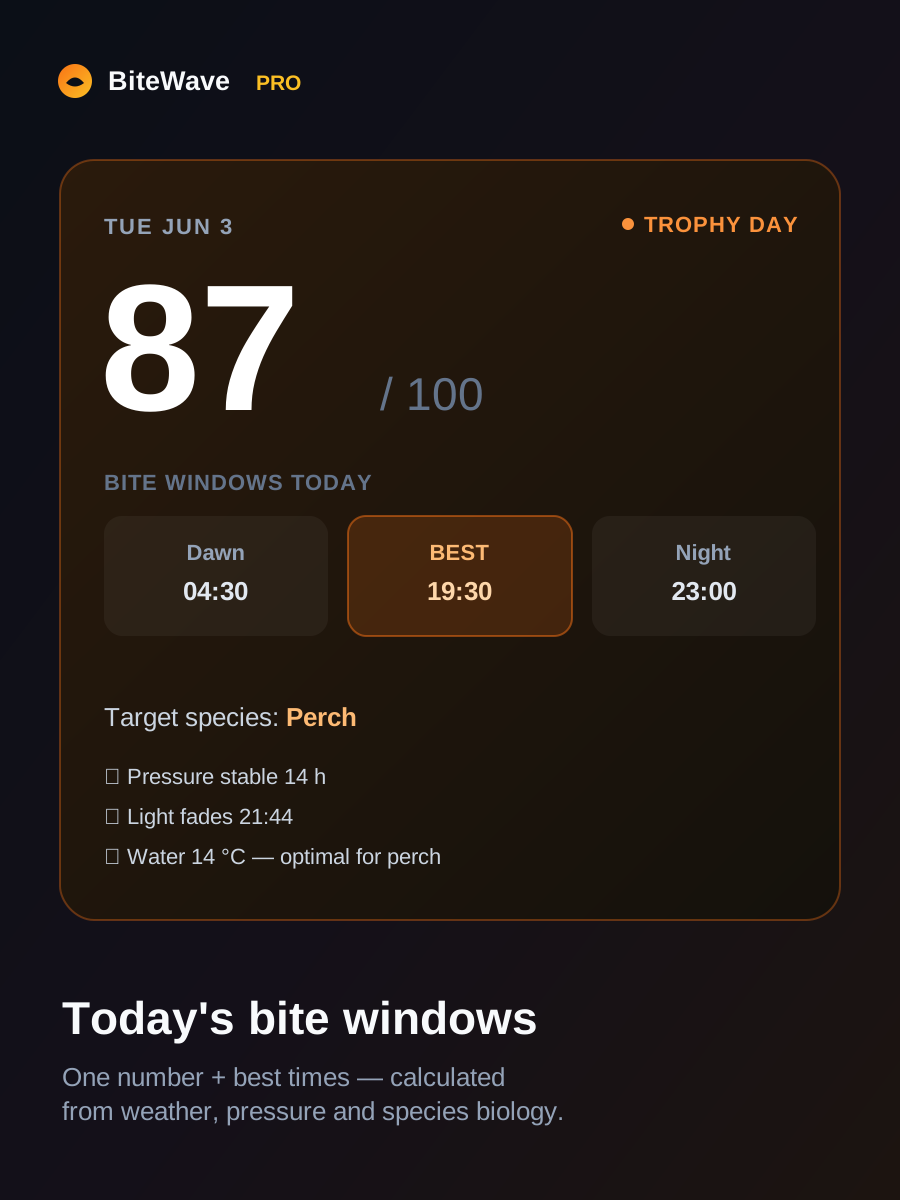
Free stays free: today’s score, catch logging, basic spots & one top lure.
Already purchased? Activate your key
Paste the license key from your email receipt.
PRO is active 🎣
You have full access on this device. Enjoy!